Context
Getting users to adopt a new AI agent is harder than building one. Copilot and other in-house AI experiences have consistently struggled with discovery and abandonment in the first session itself. When Microsoft Planner launched
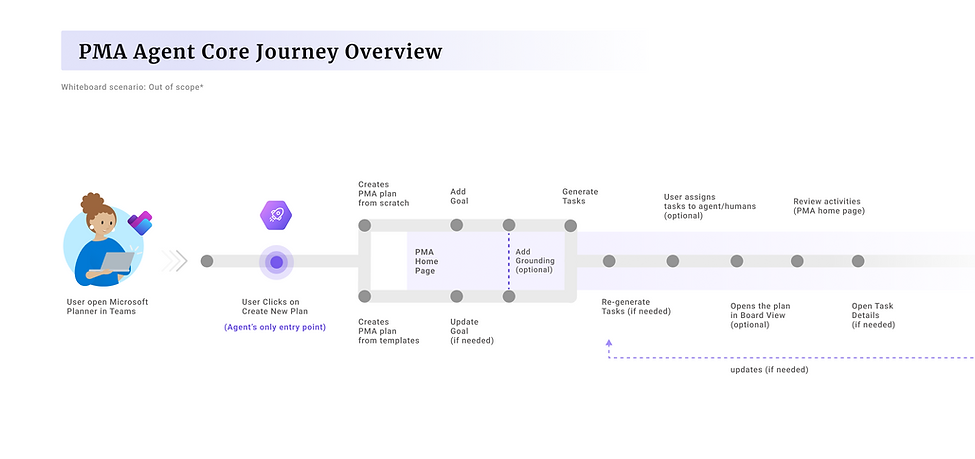
the Project Manager Agent in Nov 24, one of the first Microsoft AutoGen-powered tools in Microsoft Planner, there
was no experience to help users understand what it could do or how to trust it, which directly impacted the first-time engagement, adoption and trust of 17M Planner users across commercial and enterprise tenants around the globe.
This project began with the launch of the Project Manager Agent, then evolved into building a reusable behavioral engagement system for Planner at scale, where early investment in a principled, extensible framework enabled faster iteration across phases, and created a continuous system of trust and reinforcement connecting learning, adoption, and retention into a cohesive product loop.
The experience shipped in three phases, live across web app and Teams in the USA.

Role & Impact
I owned the end-to-end First Run Experience vertical in Planner and led design across the full FRE lifecycle, working
cross-functionally with product management, engineering, content strategy, and research counterparts in Redmond, US.
Phase 01
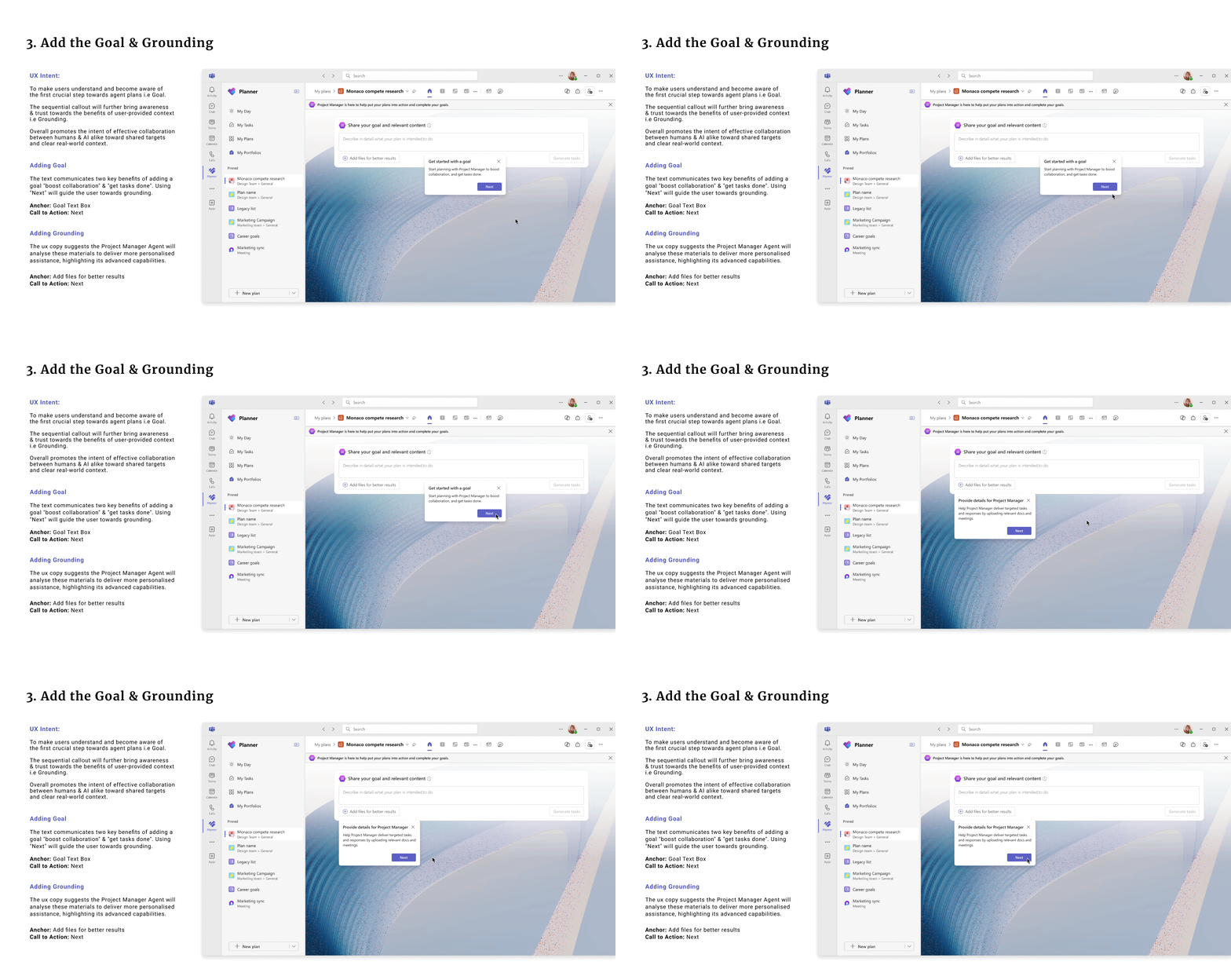
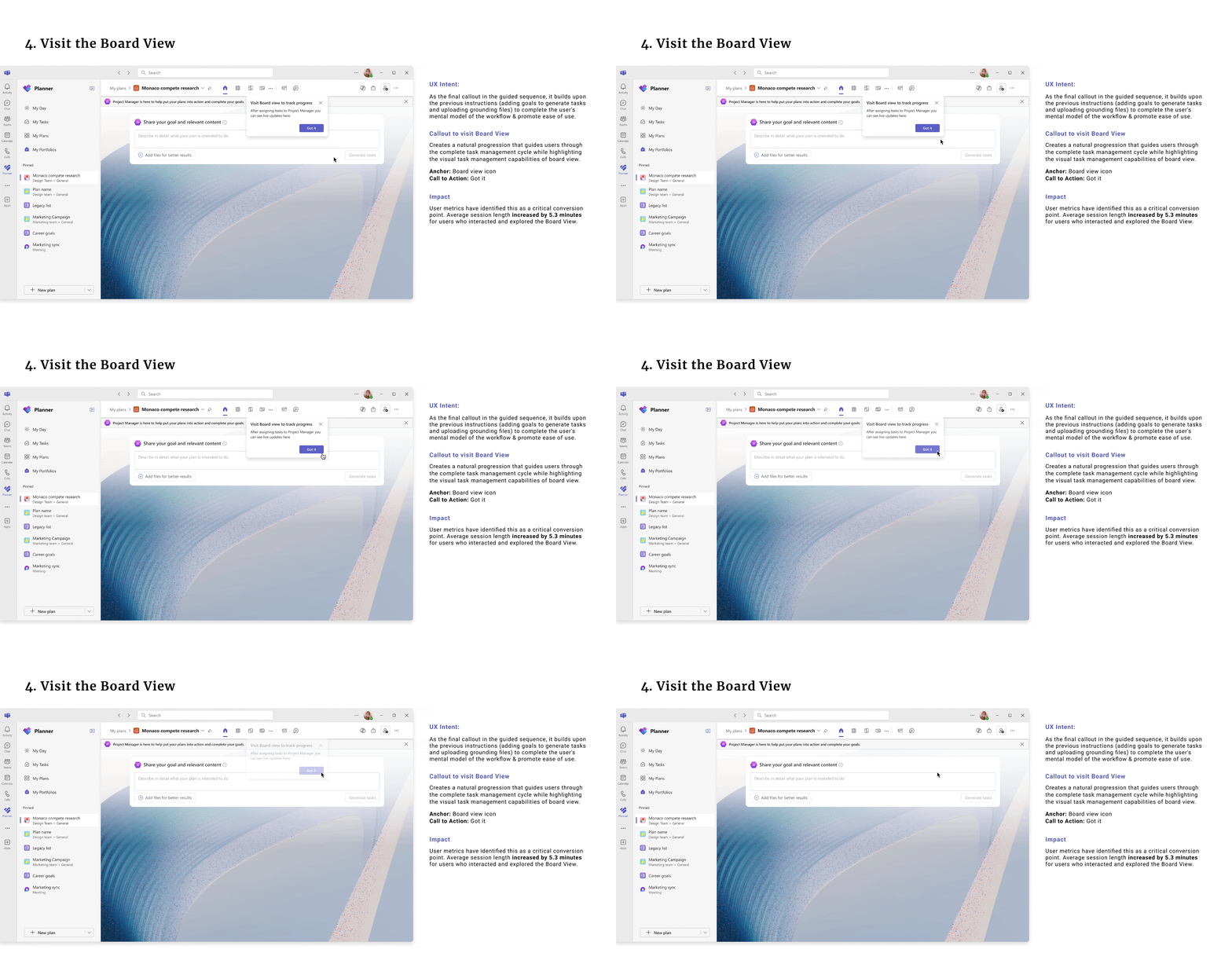
Onboarding for Agent Launch
With a hard Ignite launch timeline
and limited engineering bandwidth,
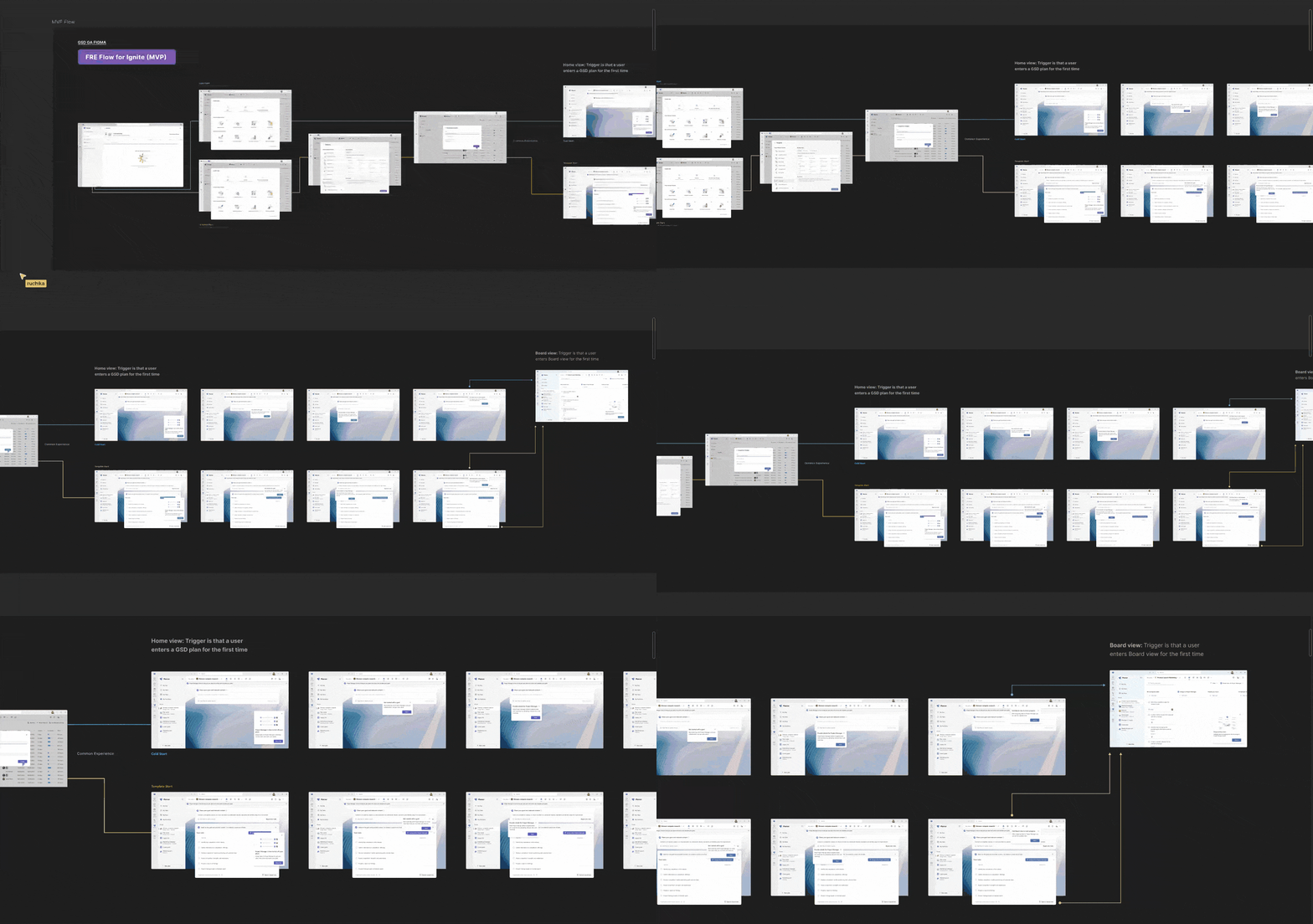
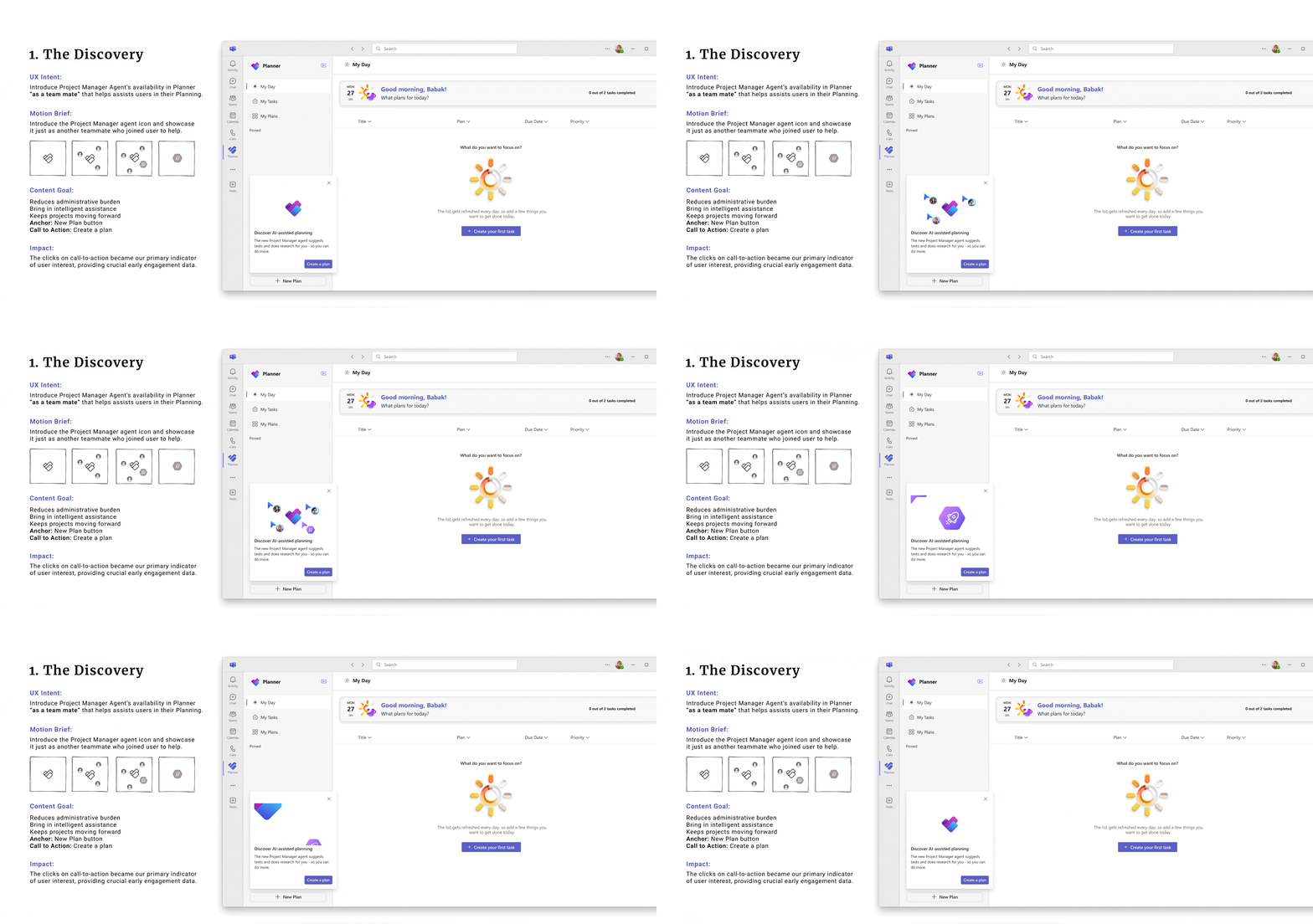
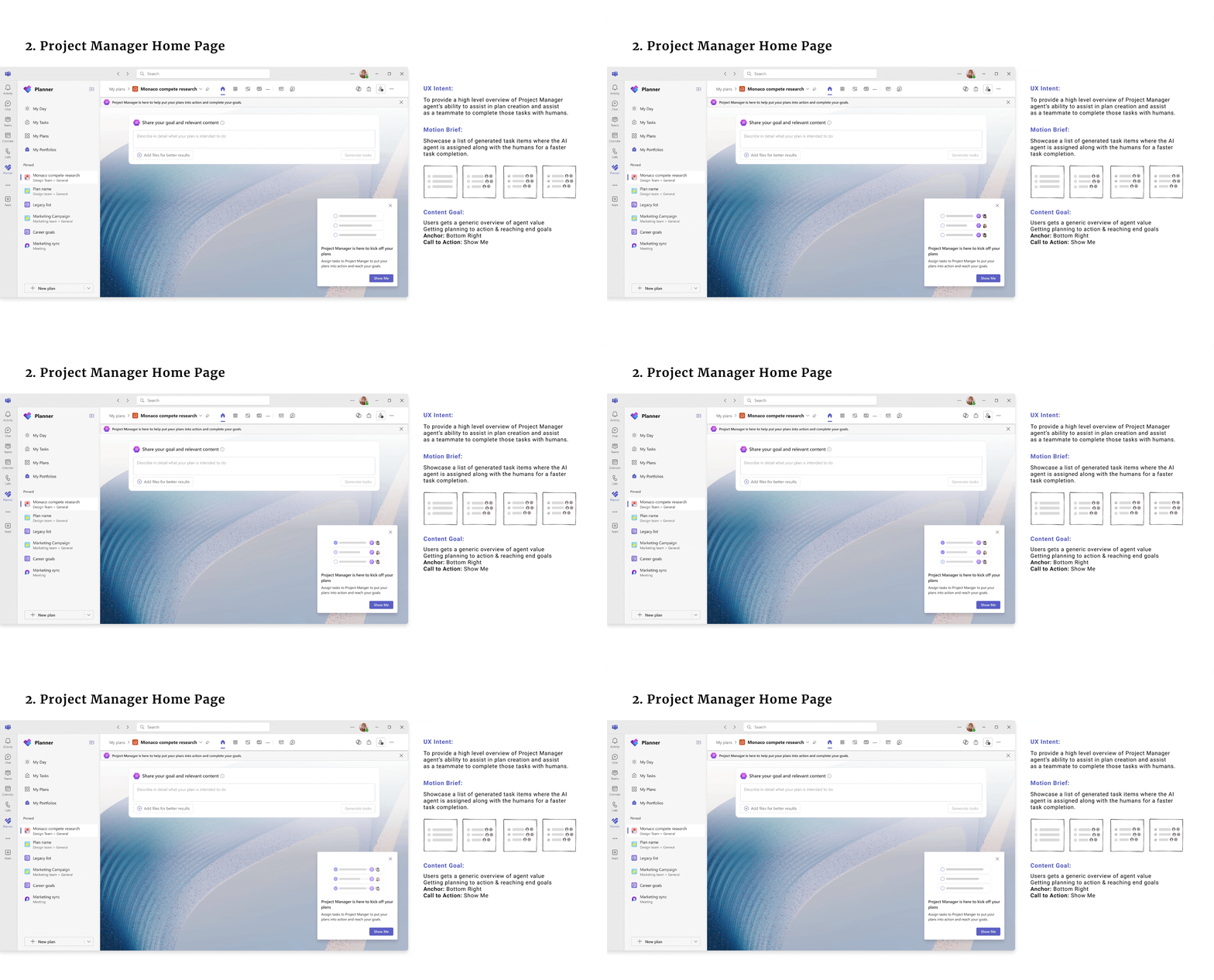
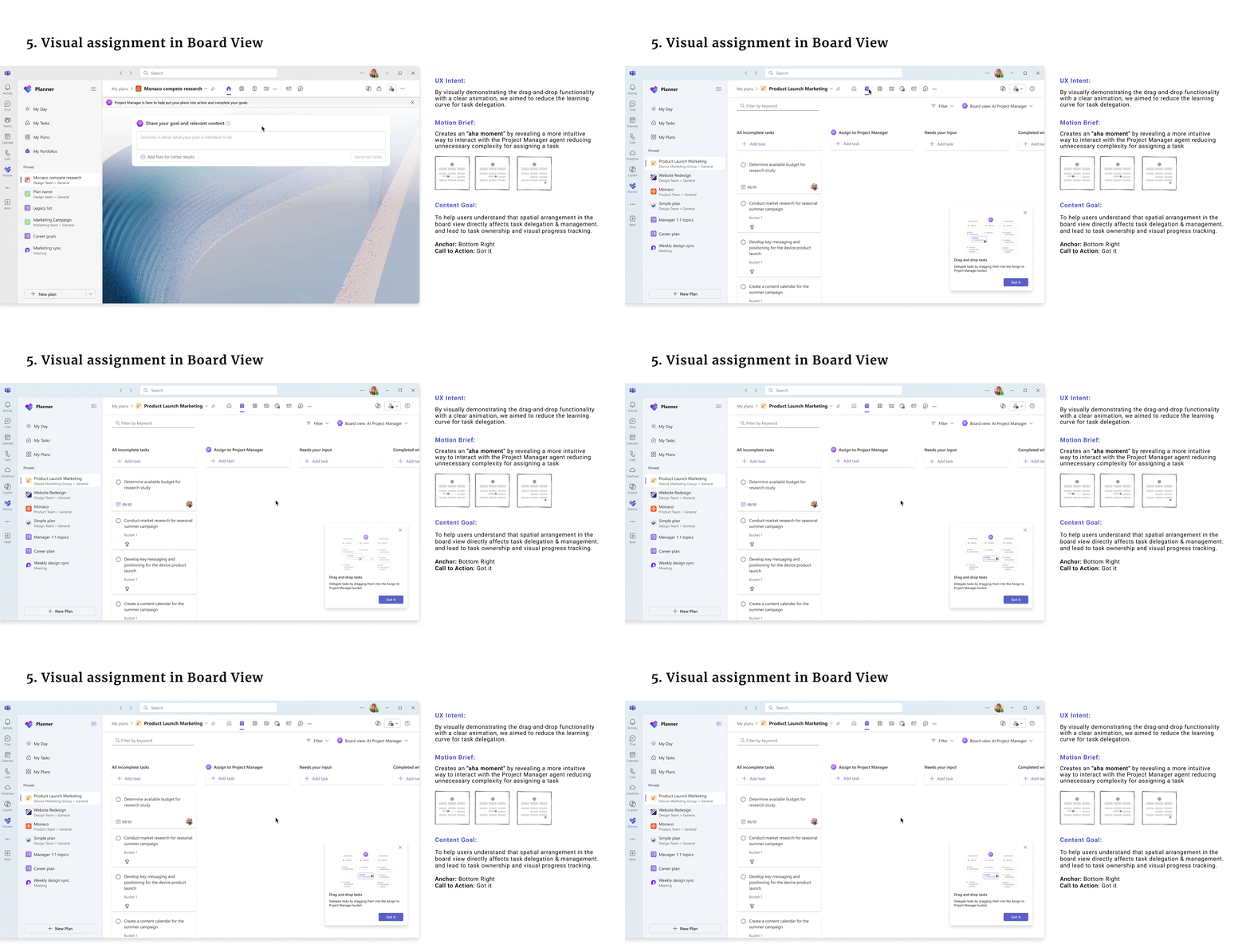
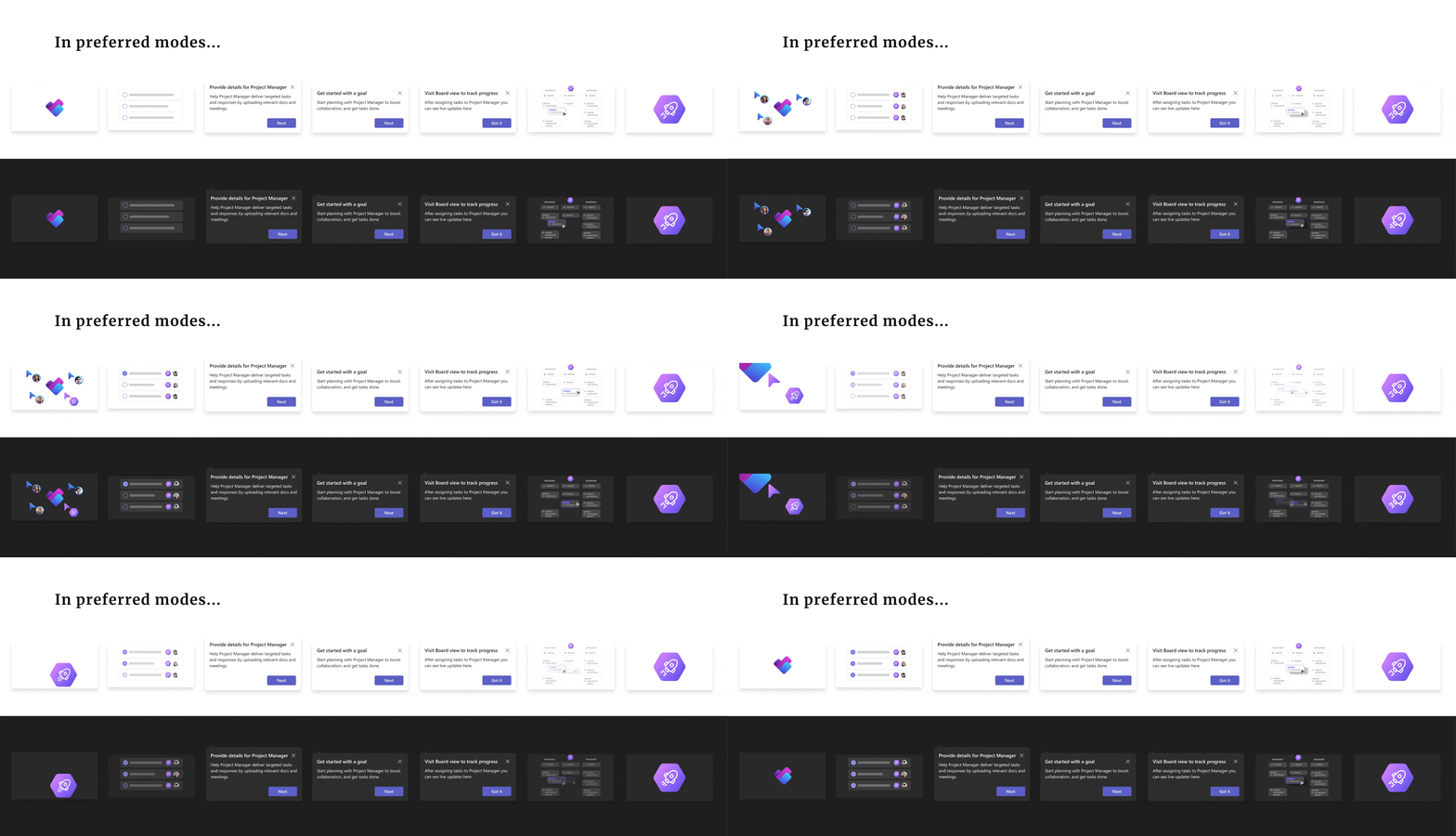
I designed a 7-touchpoint sequential first-run experience that introduced
the agent progressively, without disrupting existing task workflow.
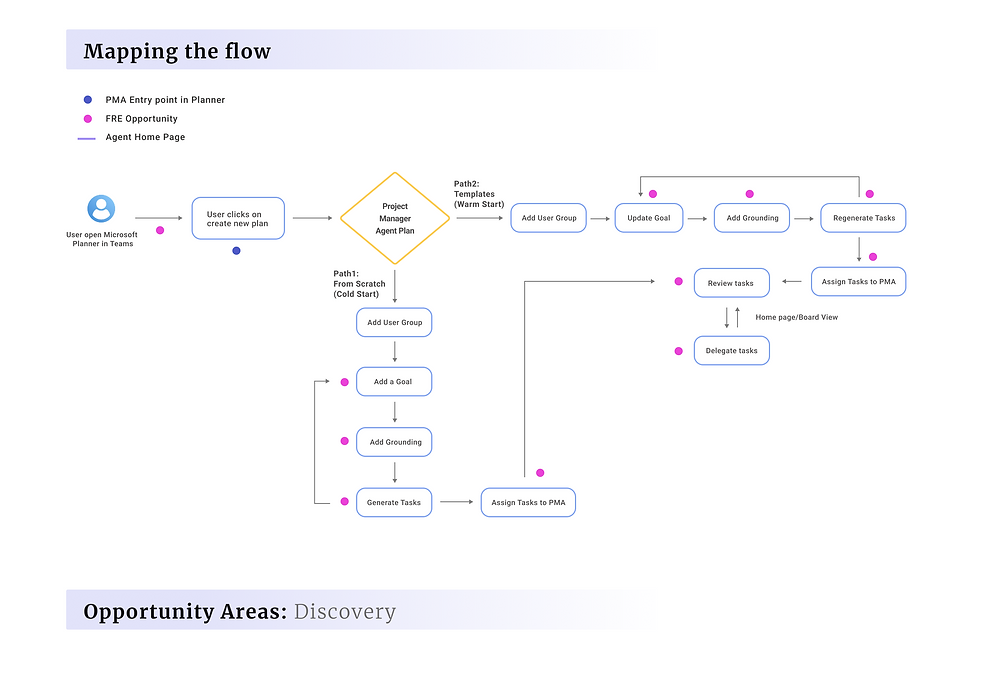
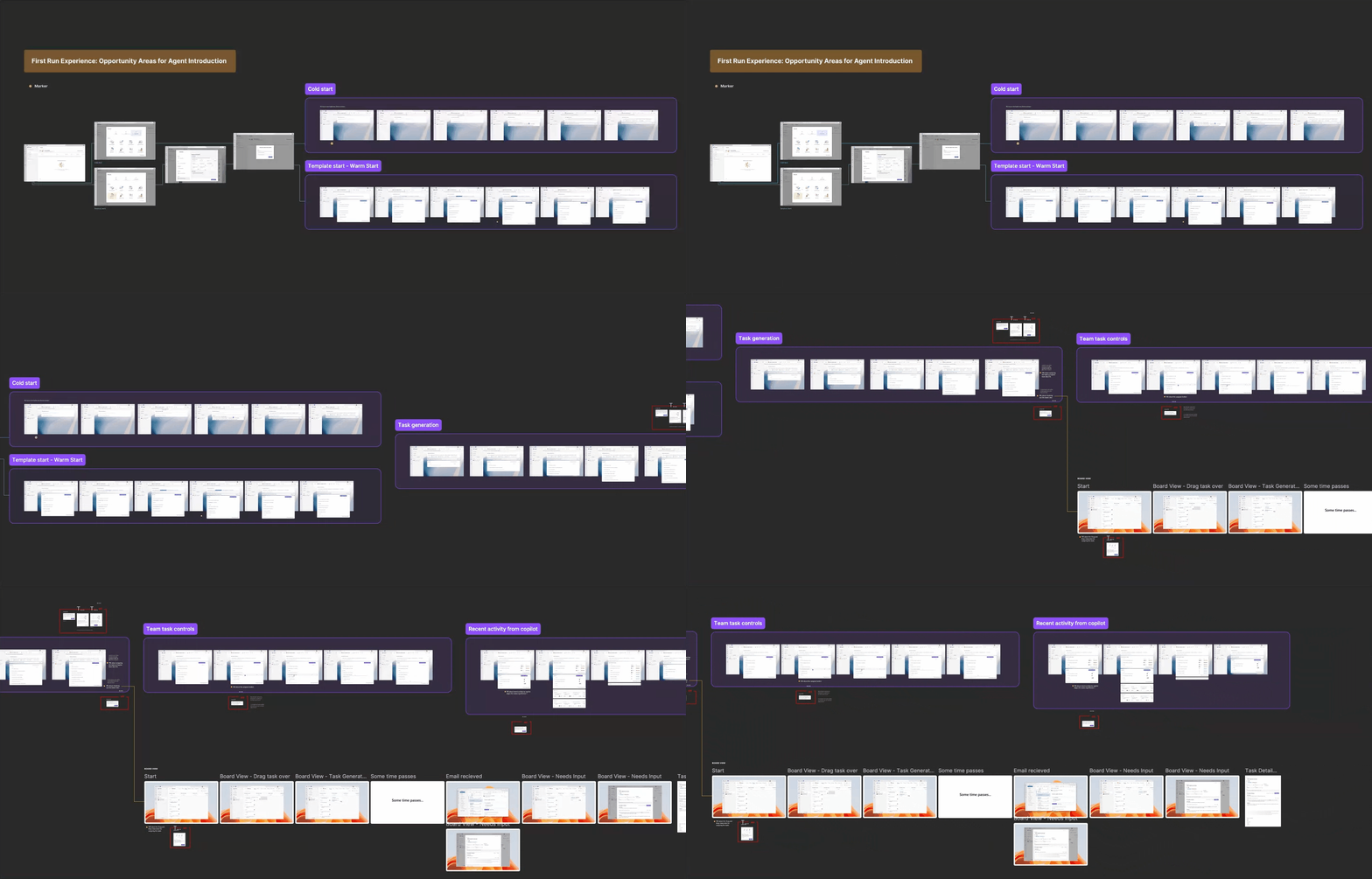
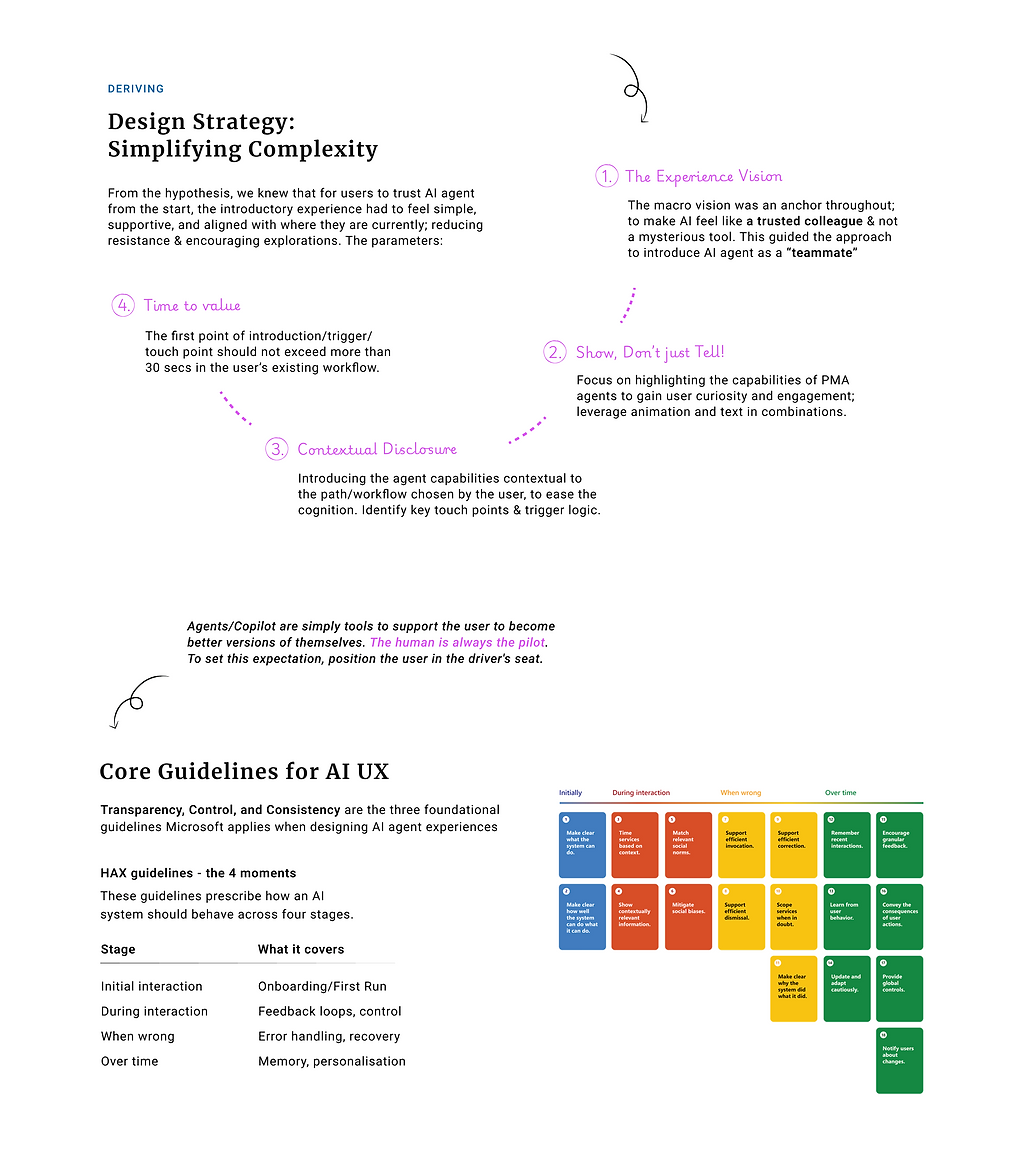
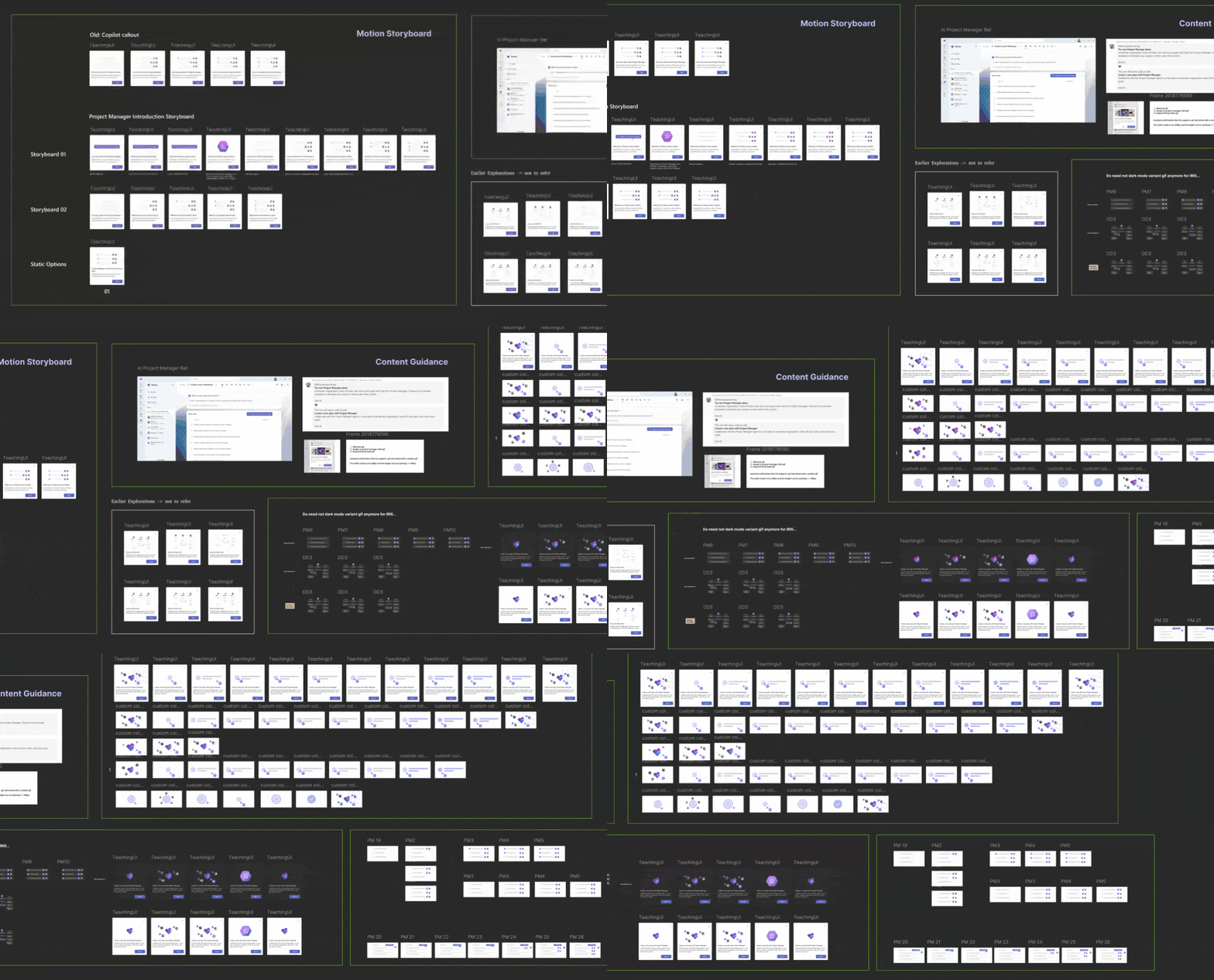
Work included opportunity mapping, trigger logic definition, motion design, and a callout framework that became
a reusable system for future phases.
65%
Early User Engagement With Project Manager Agent (2024)
+5.3%
Session Length (Board View)
Phase 02
Strengthening the Learning Loop
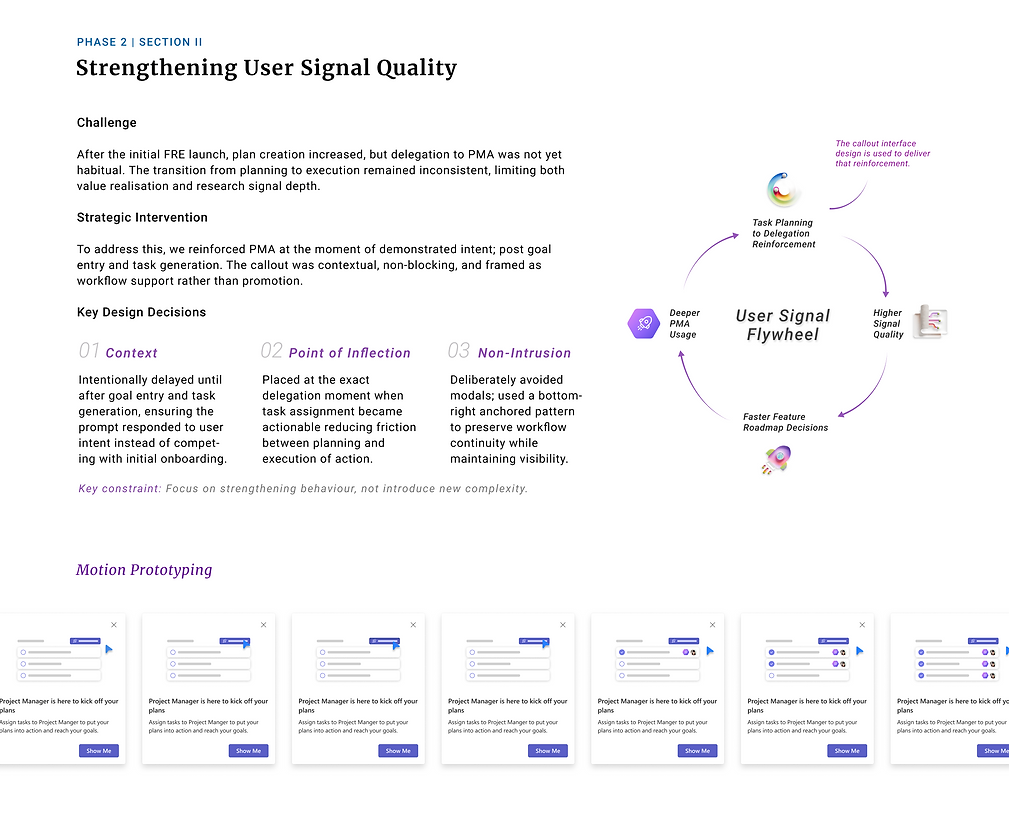
Plan creation had increased, but delegation to the agent was not yet habitual. I designed two interventions:
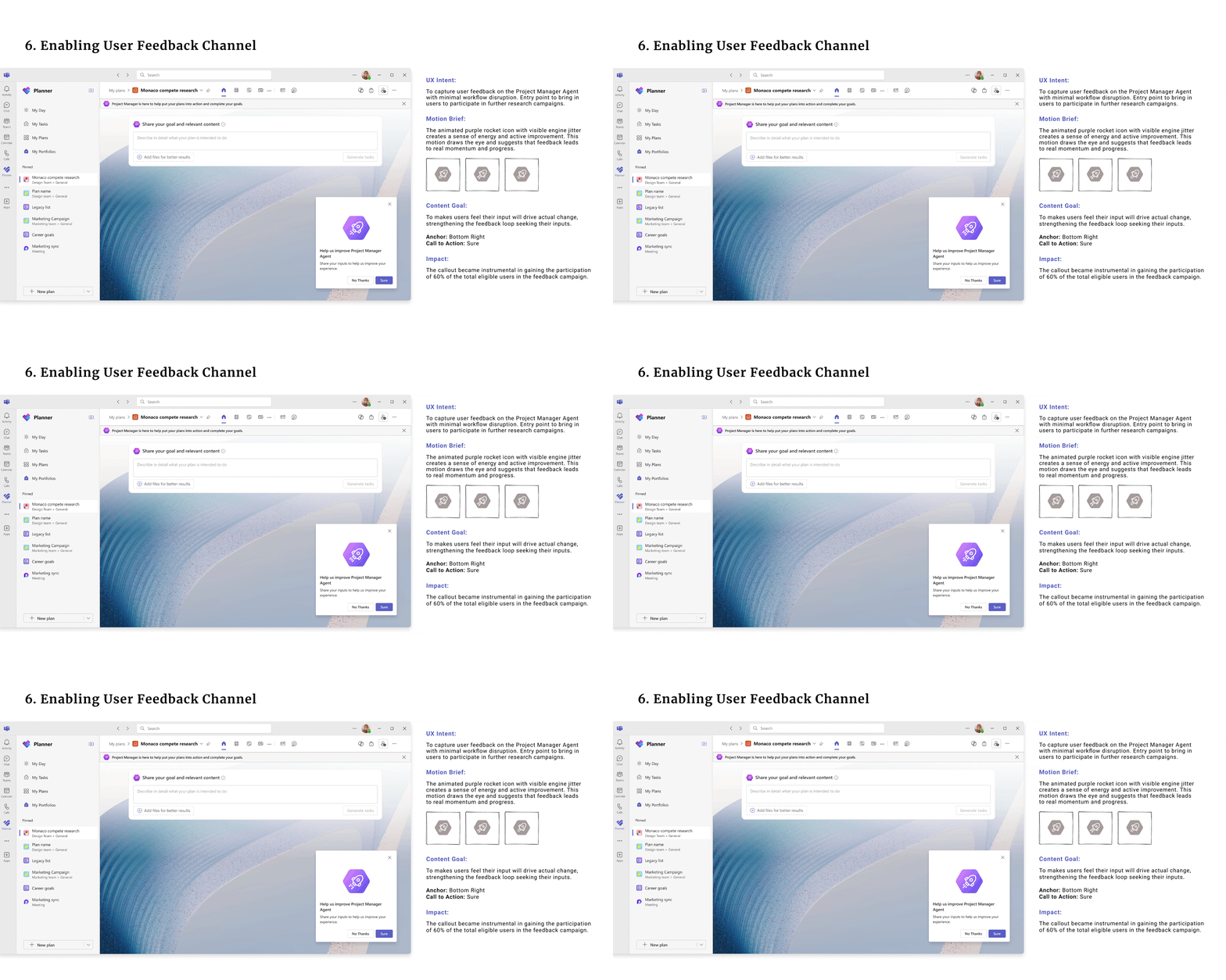
1). A behavior-triggered in-product research enrollment callout improving
the manual research recruitment process.
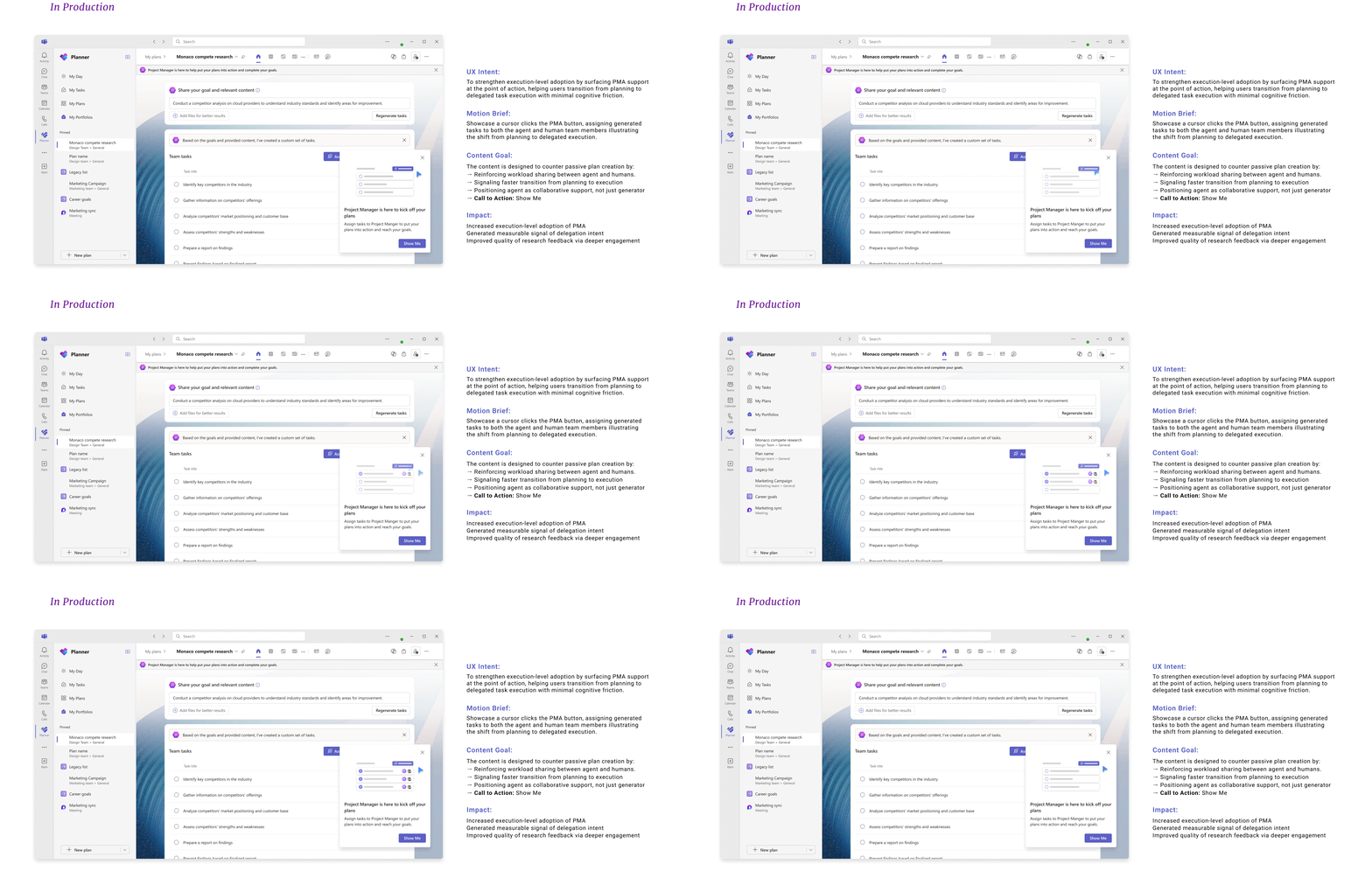
2) An execution-reinforcement nudge placed deliberately as a contextual,
non-blocking workflow support.
24→27%
Task Delegation Rate To Project Manager Agent
+15%
Repeat usage in 14 days
Phase 03
Driving Product Stickiness
Making Planner a daily habit tool
within the Teams ecosystem was
an unsolved area.
I designed a contextual in-product nudge guiding users to pin Planner
to their Teams sidebar, reusing the callout framework from Phase 1, reducing engineering overhead
while proving the long-term value
of an extensible system.
18K→230K
Pinned Users (10x Growth)
within 3 weeks post-live
2M
Impressions
+3.1pt
Daily Active Users
Faster, high-quality user research recruitment, reducing feature validation latency.
~20
Building on top of the work done in the three phases, I took the opportunity to also pitch a north star vision for comprehensive role-based planner onboarding to product leadership on their visit. The vision was prioritized for future roadmap consideration, extending the impact of this work from design execution to product strategy.
Process & Design


Demo showcasing the Project Manager Agent inside Microsoft Planner. Read More